
Workflow · Installation Quality
Check every installation, not just a sample
Your technicians already take photos. Tiliter checks every one against your installation checklist and flags the jobs that need a second look, before anyone has to go back out.
- Every job checked
- Fewer repeat visits
- Proof for every job
- People decide
- ✓
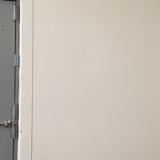 Site before workPass
 - ✓
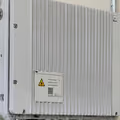 Unit mountedPass
 - !
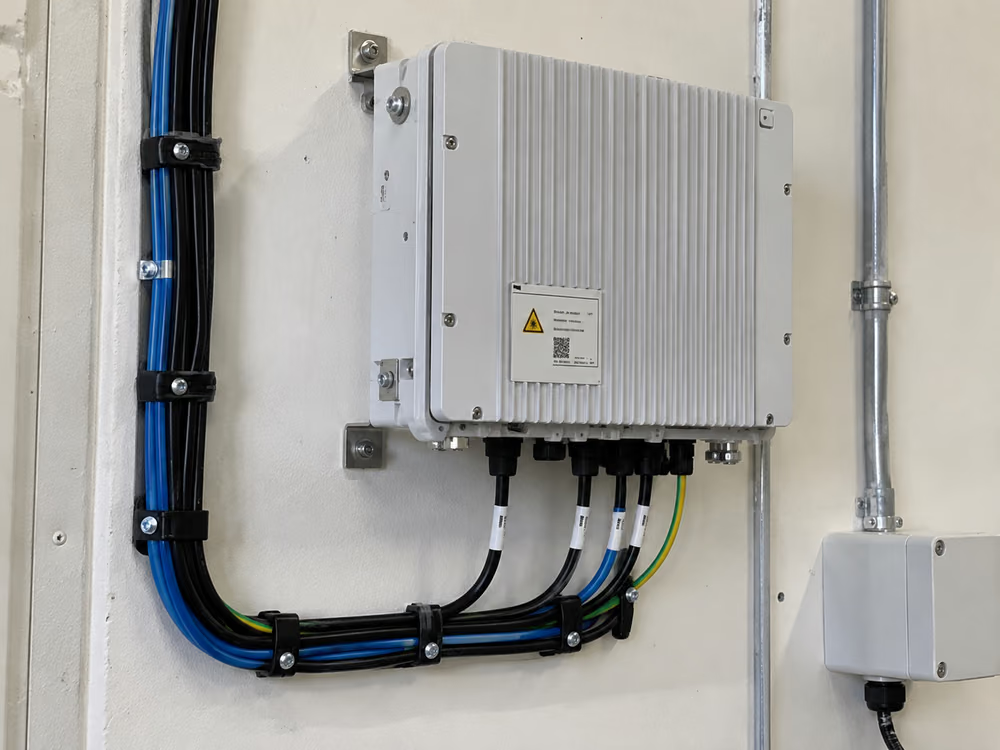
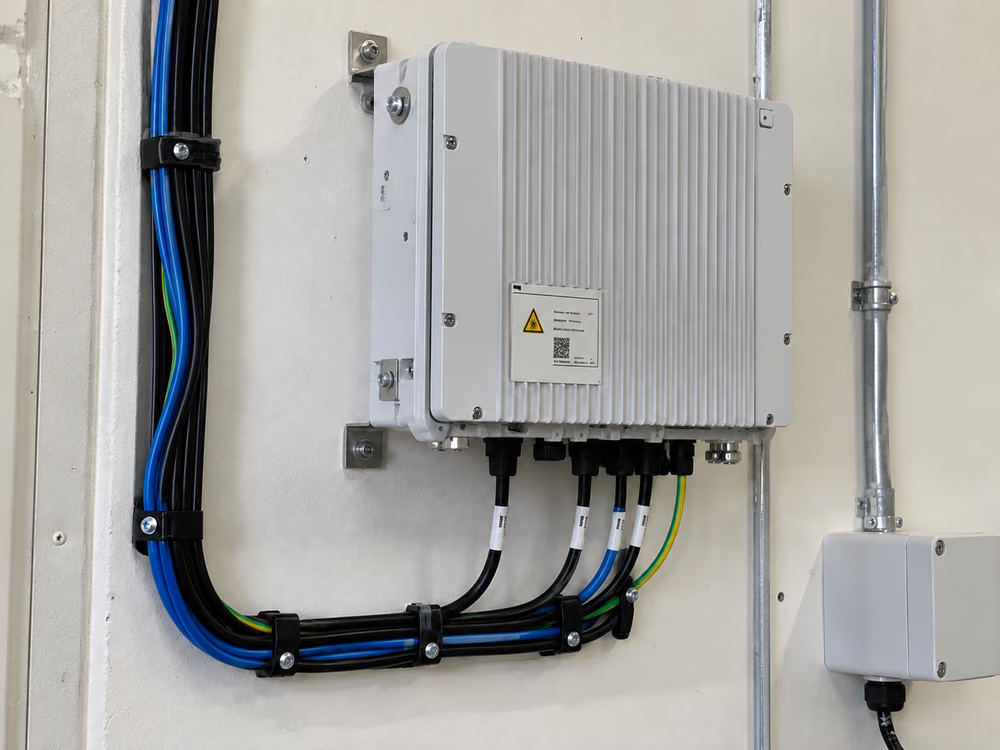
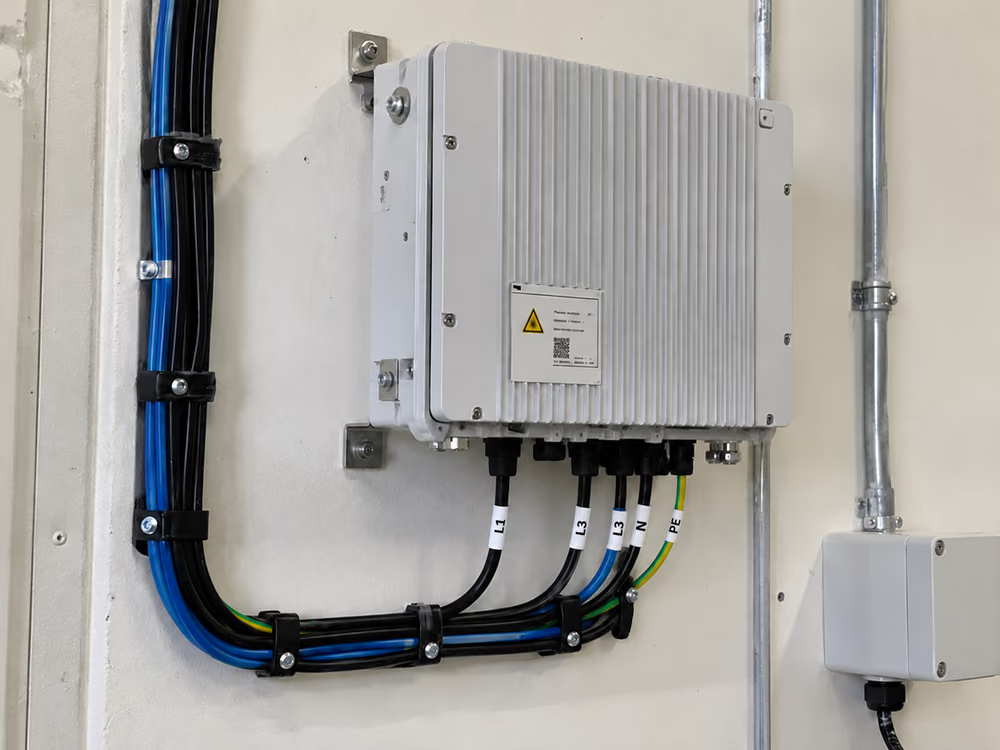
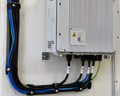 Cabling secured2 cable clips missingReview
 - !
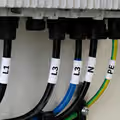 Cables labelledL3 labelled twice, no L2Review
 - ✓
 Site left cleanPass
Installation quality audits catch problems too late.
Most teams audit a small share of jobs, weeks after the technician has left. By then a bad install means another truck roll and an unhappy customer.
The photos are already there. Nobody has time to look at all of them.
- ×Repeat visits to fix the same job
- ×Rework found weeks after the technician left
- ×Contractors paid for work that wasn't right
- ×Customer complaints with no evidence either way
- ×Audits that only ever see a small sample
From photo checklist to audited job.
- 01
Set the checklist
Which photos each job needs and what must be visible in each.
- 02
Technicians take the photos
In the app, or send the ones they already take today.
- 03
Every photo is checked
Right shot, work done right, not reused from another job.
- 04
Only problems need you
Flagged jobs go to a reviewer. Clean jobs close with a record.
Spot the job that needs a return visit while it is still fresh.
Small mistakes are easy to miss on site and easy to spot in a photo. They get flagged the same day, not weeks later in an audit.
Installation quality assurance on every job.
Not a sample. Every photo on every job is checked against your checklist.
Problems are caught while the job is fresh, often before the technician has left the area.
Photos and results kept per job, for contractor payment, disputes and customer questions.
Clean jobs close on their own. Flagged jobs go to your reviewers, who decide.
Spots photos copied from another job or taken somewhere else.
Works with the work order and reporting tools you already use.
Installation inspection checklists for any field work.

Confirm each stage is done to standard before sign-off.
See how it works →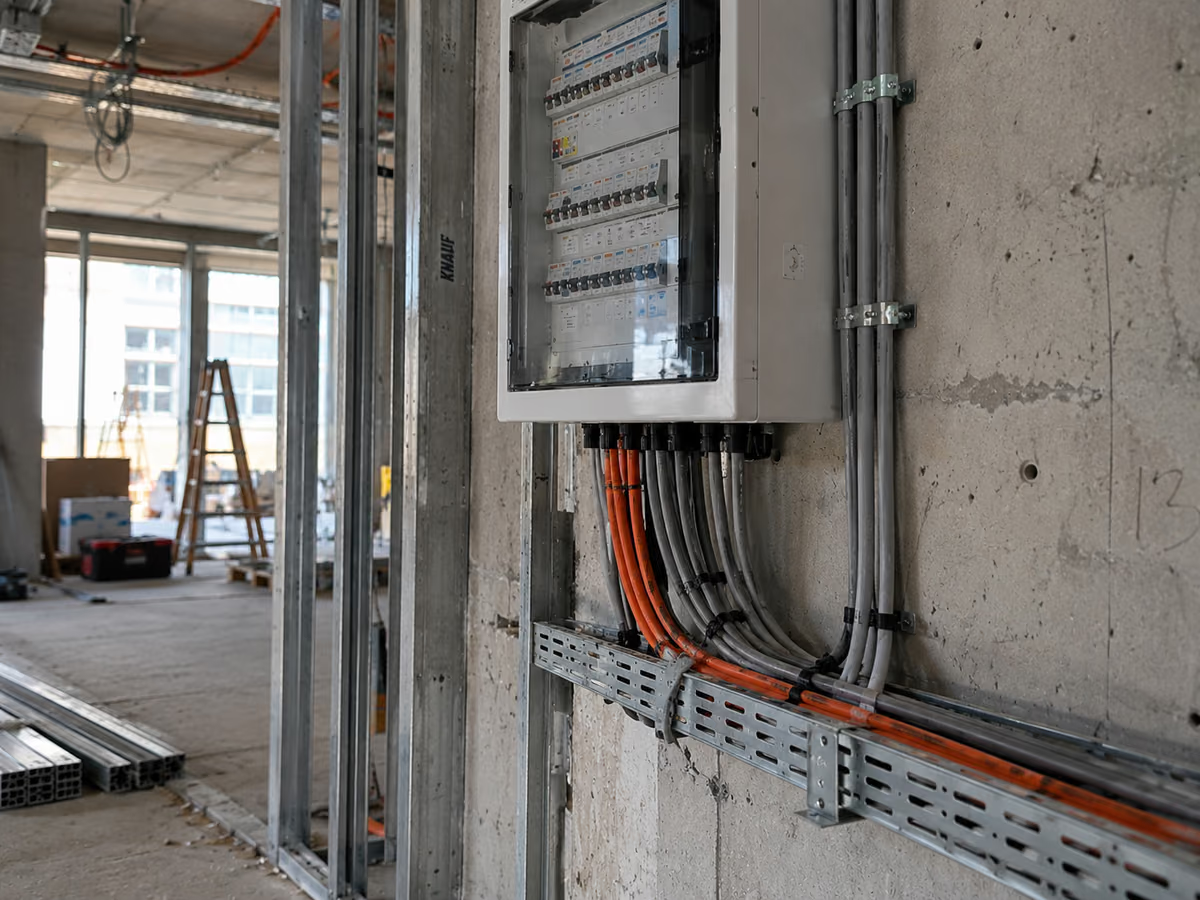
Check installs and upgrades on network equipment.
See how it works →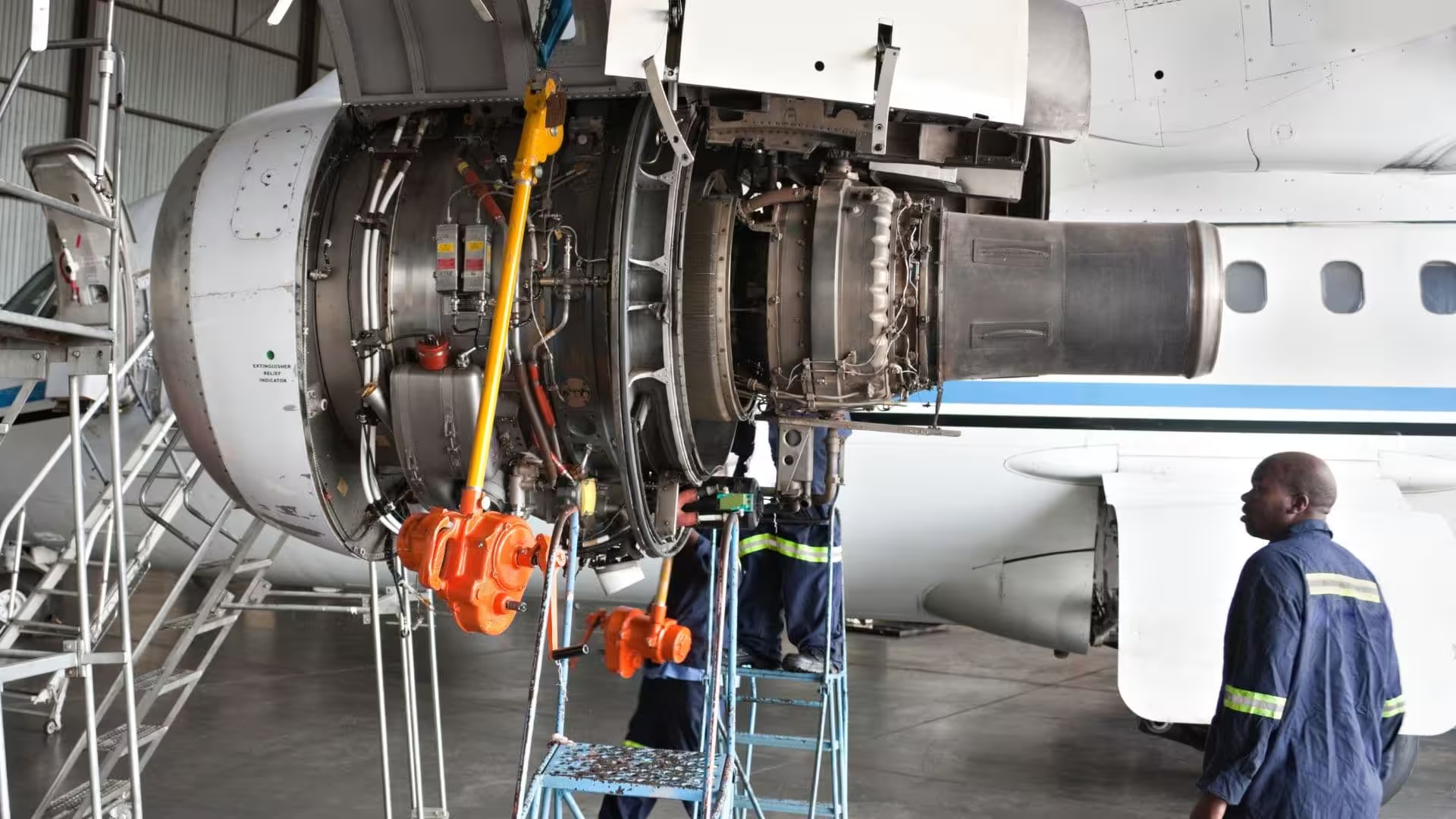
Prove each service visit covered everything on the list.
See how it works →- Telco and broadband connections
- Solar and electrical installs
- Equipment and scale installs
- HVAC and fit-outs
- Facilities maintenance
Questions about installation audits
What is an installation quality audit?
A check that installation work was done to standard, usually by reviewing photos or visiting a sample of jobs. Tiliter checks the photos from every job instead of a sample.
Does it make decisions on its own?
Only on jobs that clearly meet your checklist. Anything uncertain goes to a person, and you decide how much to automate as you build confidence in the results.
Does it add work for technicians?
No. They know exactly which photos a job needs, which usually means fewer photos, not more.
Can it spot reused or misleading photos?
Yes. It flags photos that have been used before or don't match the job, so they can be checked before the job is closed.
What about jobs that aren't straightforward?
They go to a reviewer with everything needed to decide in one place.
What happens when our standards change?
Update the checklist and the new standard is checked from the next job. No long project in between.
Can it use our existing installation inspection checklist?
Yes. You set which photos each job needs and what must be visible in each one, based on the checklist you use today, including paper checklists.
Does it work with the tools we already use?
Yes. Results can flow into your existing work order, review and reporting tools through the API.
Does it replace our auditors?
No. It does the first pass on every photo so your auditors only look at the jobs that need them.
Start with the jobs that cost you most to redo.
Send us a few example jobs and your current checklist, and we'll show you what an audit of every installation looks like.